
Case study / Unity editor tool
UIPilot
Working game menus in one click, then a UI that stays clickable.
A Unity editor tool I designed and directed, published as NomadStudios, my Unity Asset Store name. It builds main, pause and settings menus, wires every button to a script you own, and finds the bugs that make a button silently do nothing.
Coming to the Unity Asset Store
- Role
- Design and direction, built with AI assistance
- Built with
- Unity 6.3 LTS, C#, uGUI, TextMeshPro
- Type
- Editor-only tool, no runtime framework
- Publisher
- NomadStudios
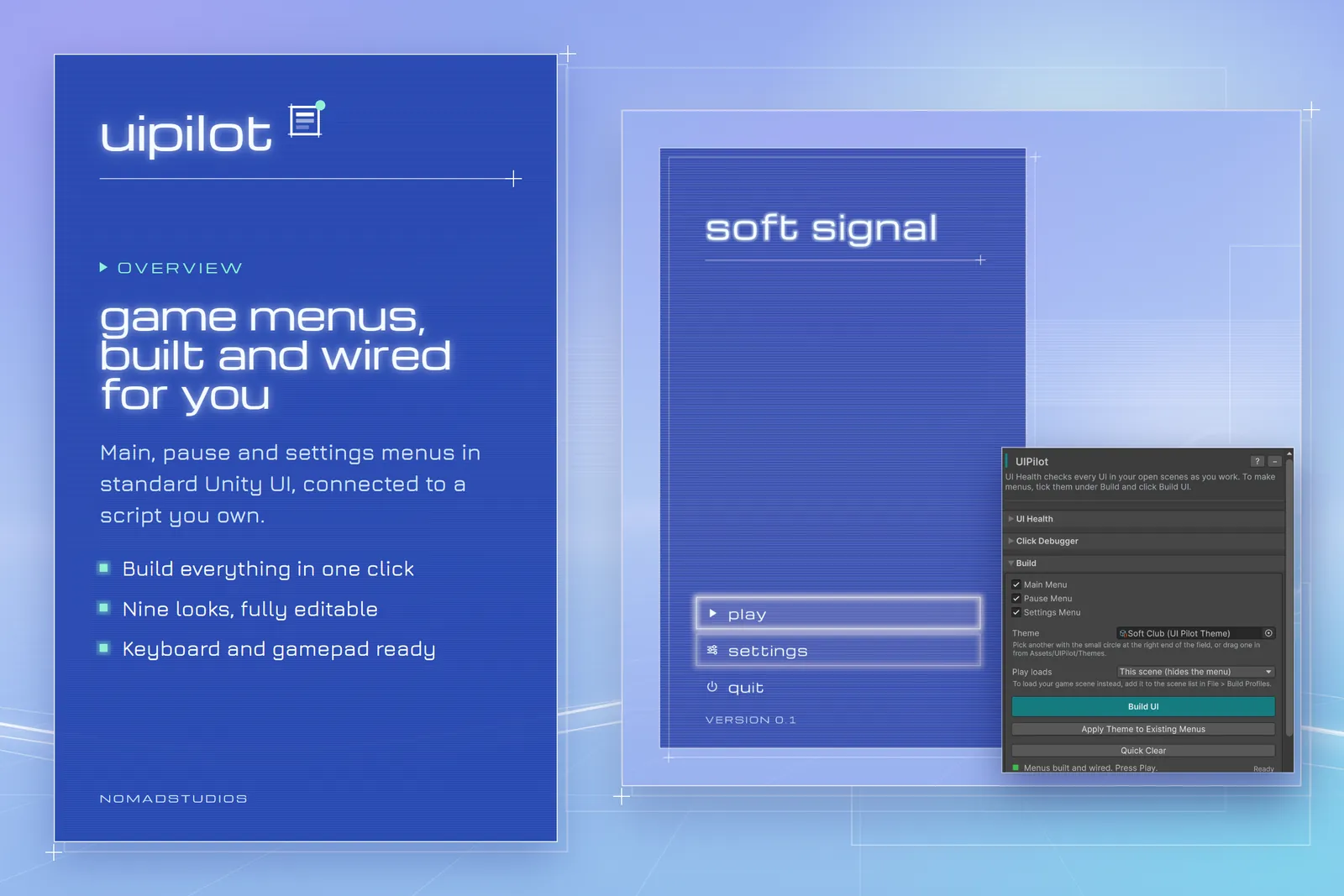
Every game needs menus. Too many buttons do nothing.
Every Unity game needs a main menu, a pause menu and settings. Building them means the same checklist each time: Canvas, scaler, EventSystem, raycaster, panels, buttons, a script, and every On Click wired by hand.
Miss one step and a button simply does nothing, with no error in the Console. The usual culprits are a deleted EventSystem, a missing raycaster, or an invisible image drawn over the button.
It happens often enough that one Unity forum thread about it has 356k views. The thread, “[Solved] UI Button not working at all” (opens in a new tab), opened in 2016 and was still getting replies in 2025.
Build the menus. Keep them clickable.
Build UI
Tick the menus you want and click Build UI. UIPilot creates the canvas, EventSystem, panels and buttons, writes a GameManager script and wires every button to it.
Press Play and it already works: Play loads your scene, Esc pauses, Back goes back and Quit asks once, on keyboard, mouse or gamepad.
Nine themes
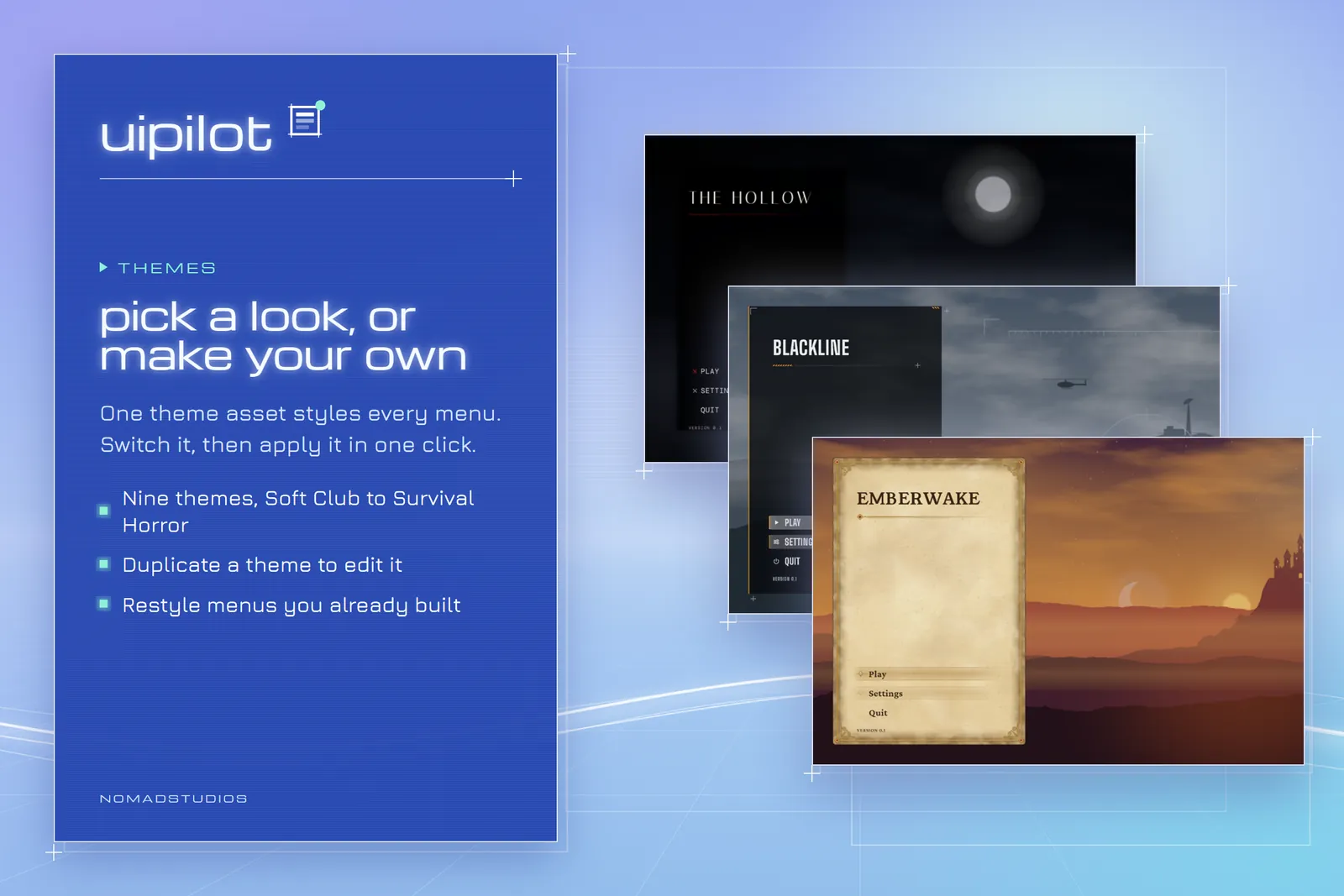
One theme asset sets the look, from Soft Club to Survival Horror. Duplicate one to make your own.
Apply Theme
Switch the theme on menus you have already built. Colours, fonts, frames and the scene behind the menu change. The layout and the wiring stay exactly as they were.
UI Health
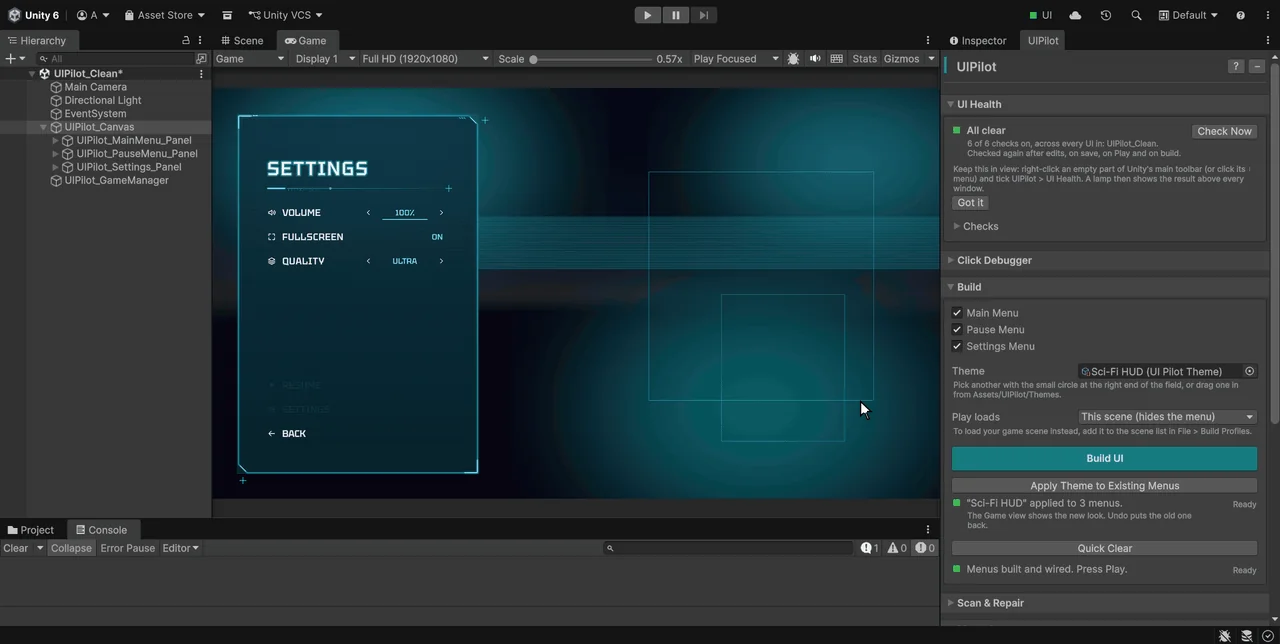
Always-on checks across every UI in the open scenes, not only UIPilot’s. They run as you work, on save, before Play and on every build, and stay quiet when all is well.
- Invisible images or text drawn over a button, taking its clicks
- No EventSystem, or a canvas with buttons and no Graphic Raycaster
- The wrong input module for the project’s input setting
- On Click events calling a renamed or deleted method
- Buttons a gamepad can never reach
- Text under the Steam Deck minimum of 9 px
Most come with a one-click fix that you can undo.
Click Debugger
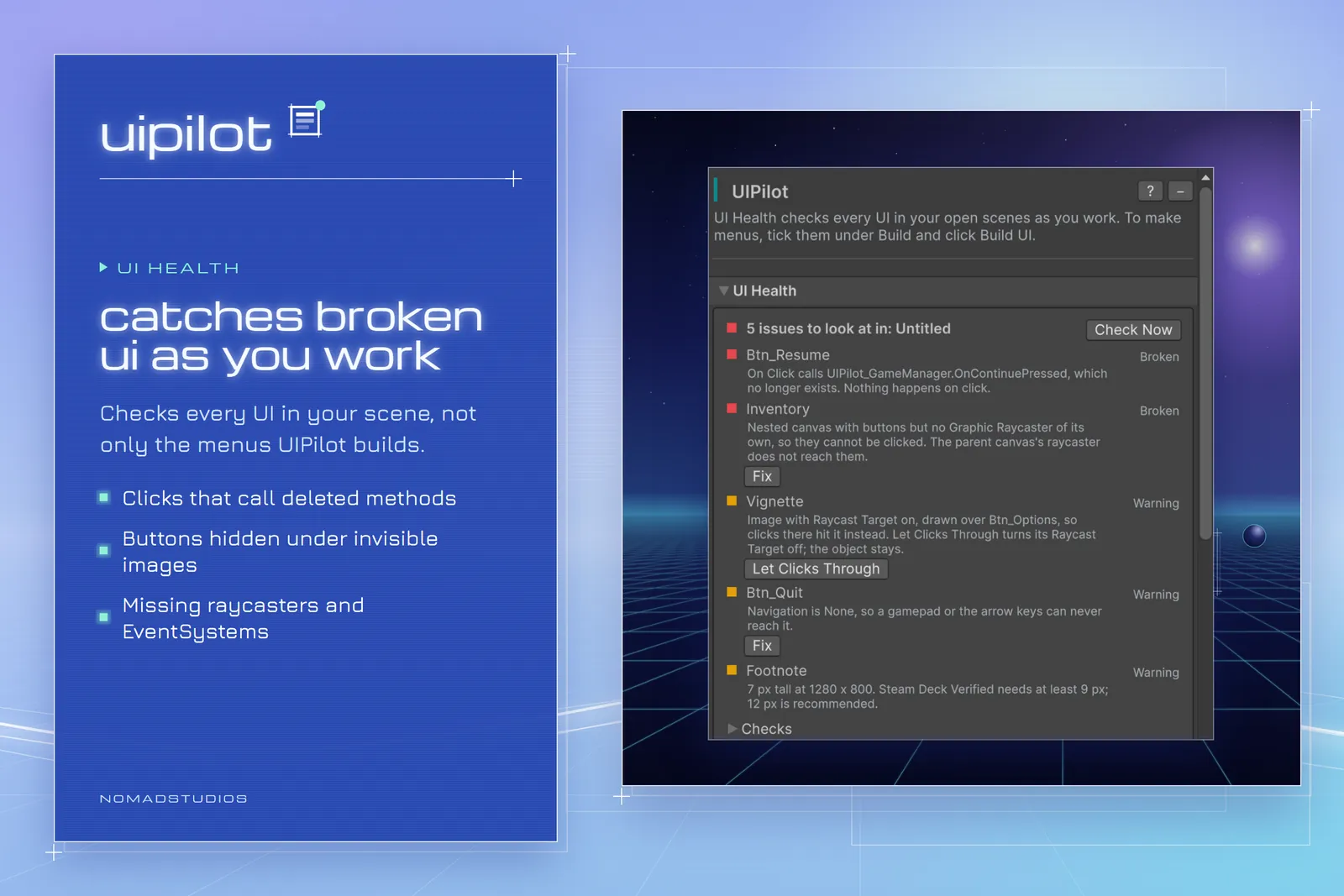
In Play mode, click anywhere and see what took the click and why: the method it calls, or the image over the button, the CanvasGroup switching it off, the missing raycaster, the empty On Click. It works on any UI, with either input system.
Editor-only. Plain Unity UI.
A Unity 6.3 editor tool written in C#. What it builds is ordinary uGUI and TextMeshPro: Canvas, Image, Button and text objects you edit in the Inspector.
- WindowDraws the interface and holds no logic.
- ModulesDo the work: building, themes, UI Health, click debugging, binding and validation. They never call each other directly.
- Two coordinatorsRun UI Health and watch clicks while the window is closed.
- No runtime framework. The only file that ships in a game is the GameManager script UIPilot writes, which you own.
- The package uses no Unity internal APIs, to meet the Asset Store’s May 2026 submission rules.
- Non-destructive: it edits only objects it created. UI Health changes anything else only when you click Fix.
- Works with the Input Manager, the Input System, or both.
Designed and directed by me. Built with AI.
I came up with UIPilot, designed how it works and directed its development.
The code, docs and parts of the art were written with Anthropic’s Claude; I reviewed it and tested it in Unity (compile checks, automated Play-mode tests, a clean-project import).
Coming to the Unity Asset Store.
UIPilot is published by NomadStudios, the Unity Asset Store name of Adam Faraj. This page will link to the listing once it is live.
Questions or support: [email protected]
Back to all work